Build
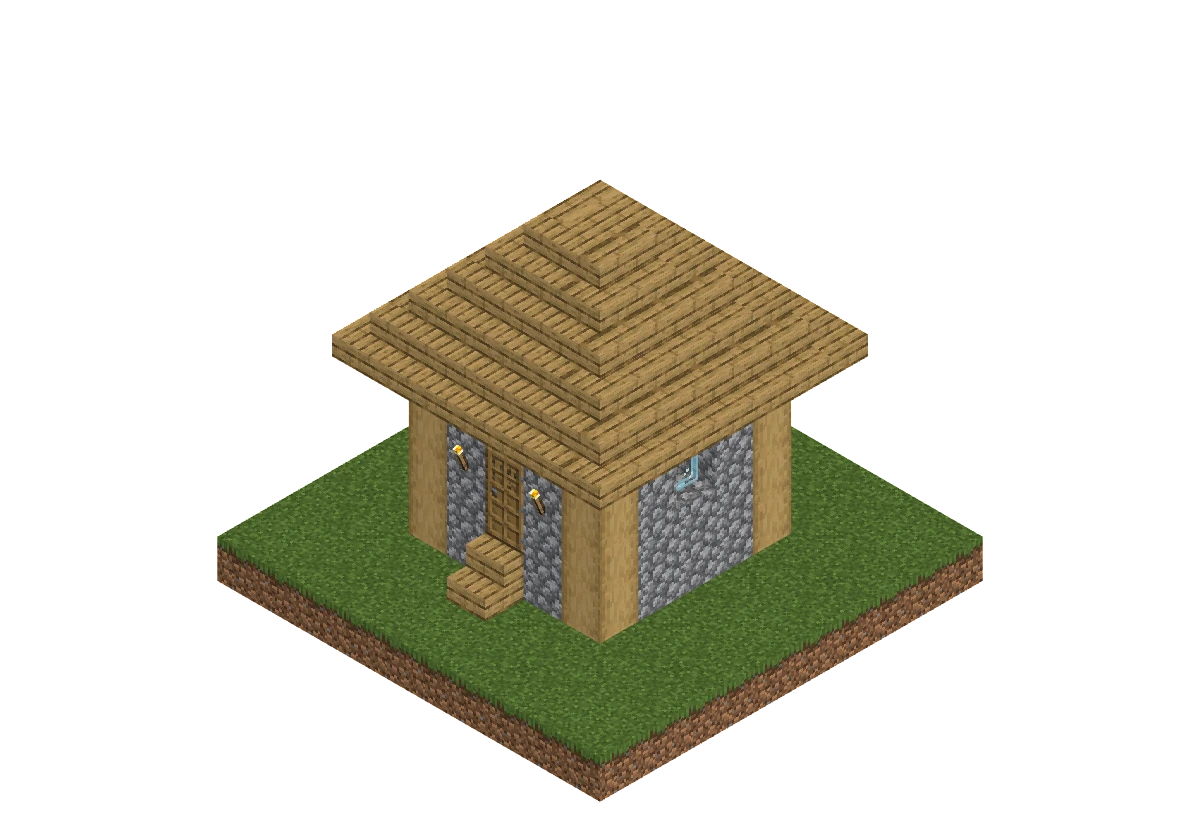
Build the scene. Pose the moment. Add the finishing touches. Your whole thumbnail, in one browser studio.

Build the world, direct the characters, and finish the image. Here's what you can work with.
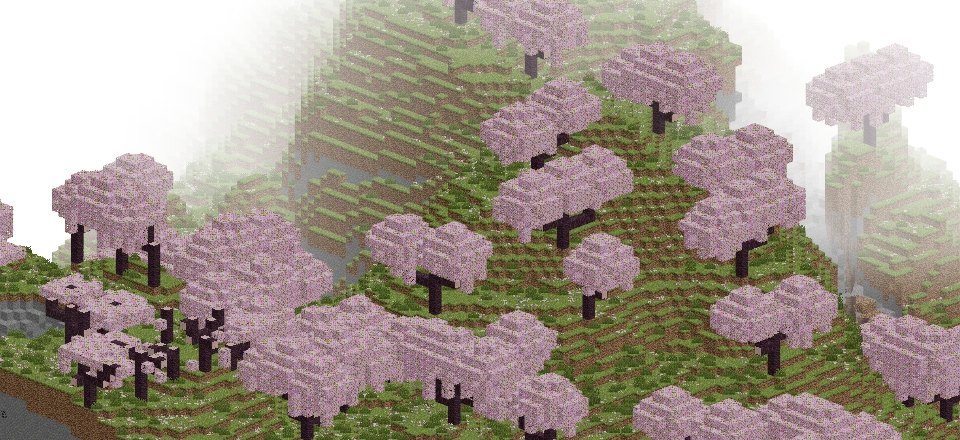
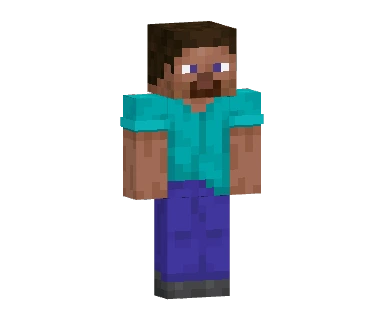
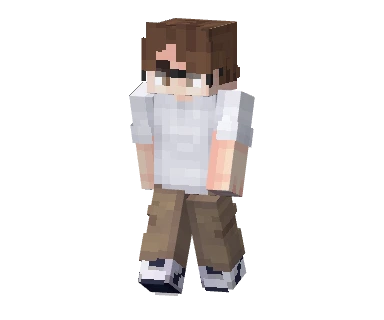
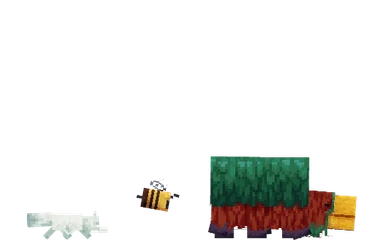
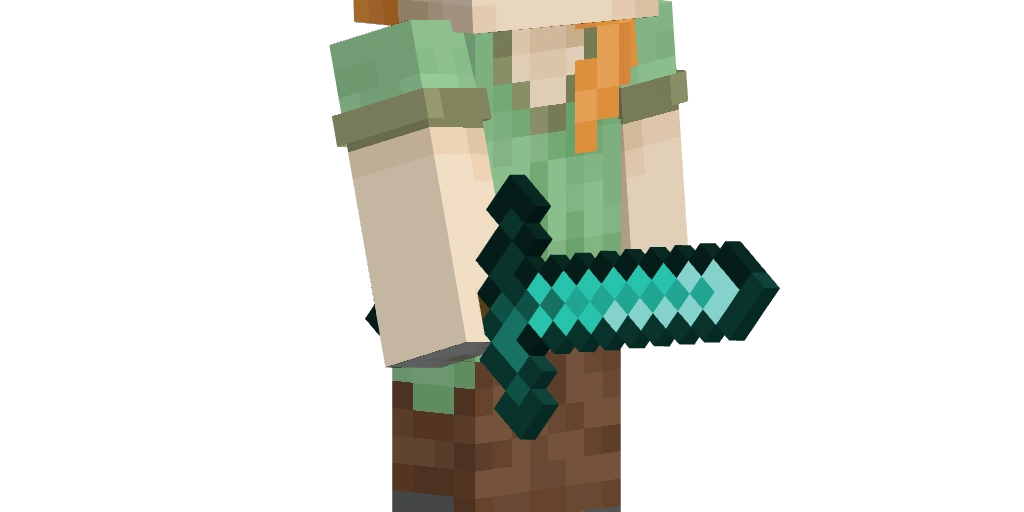
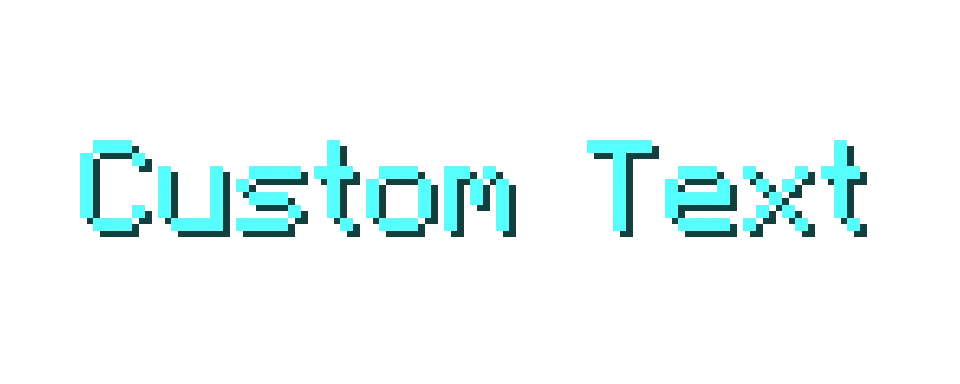
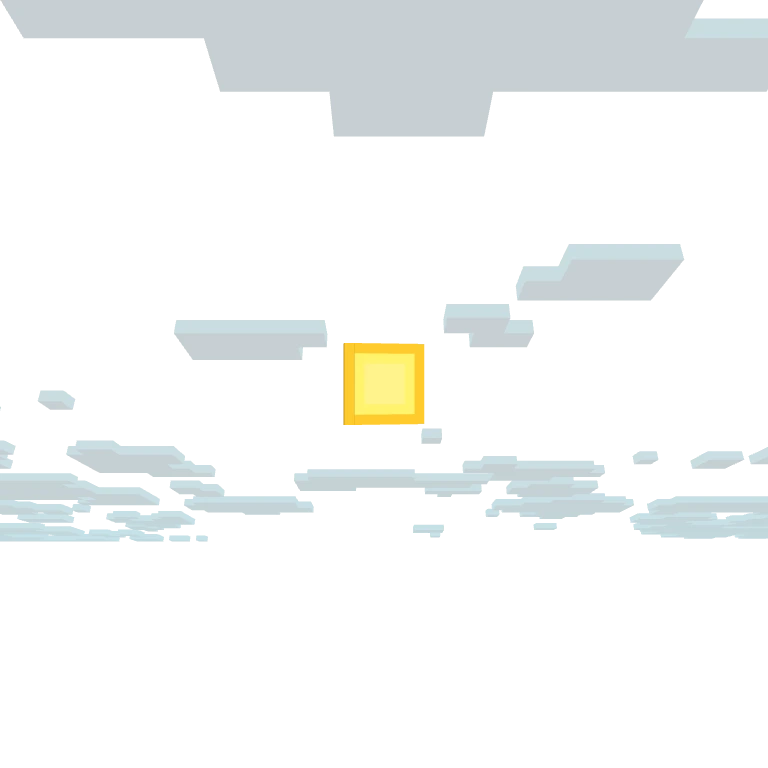
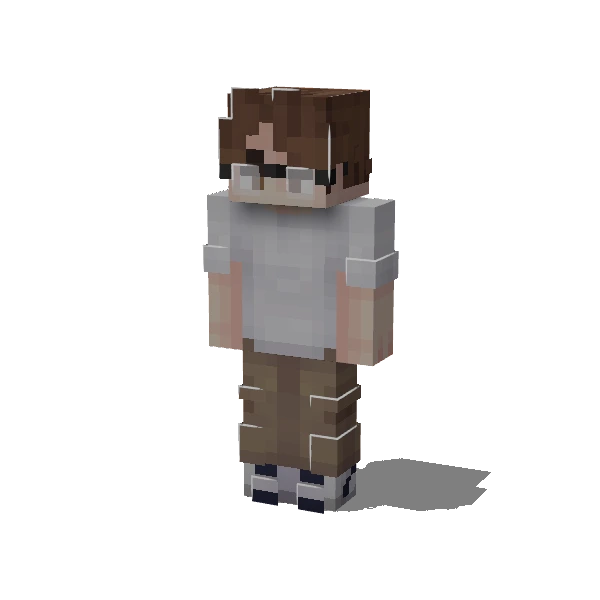

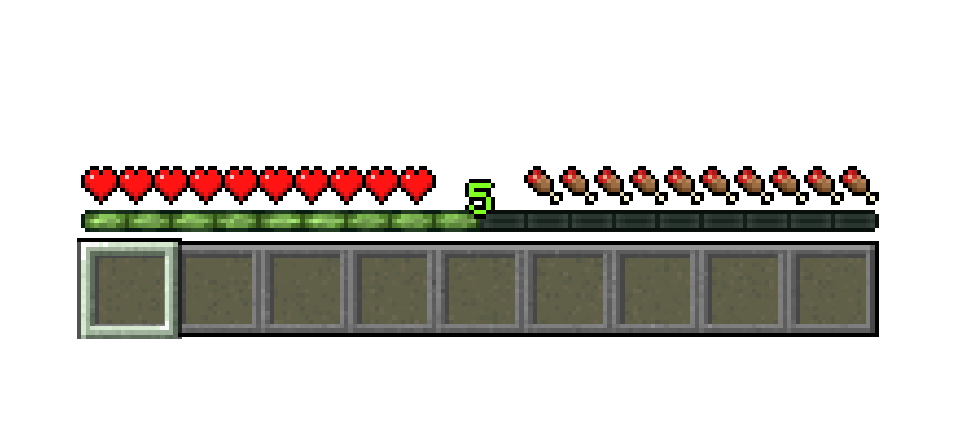
I'm building Thumbcraft to make creating Minecraft thumbnails simpler, with a dedicated editor that brings the whole process into one place. The beta is a chance to try it, tell me what gets in your way, and help me make it better.
Leave your email. Joining doesn't create an account or grant access immediately.
If you're invited, you'll receive an email with a link to set up your account.
Use the editor's Feedback button for bugs, ideas, and questions.
Yes, the private beta is free to use. Future pricing hasn't been announced.
The editor runs in your browser. You don't need to install Thumbcraft or Minecraft to create a scene. Start with a current desktop browser and a mouse or trackpad. Rendering performance depends on your device, and the editor is currently designed for desktop use.
The current focus is refining rendering and the editing workflow with beta feedback. Cloud project saves are being explored. Future features don't have release dates yet.
Join the waitlist for the Thumbcraft private beta.